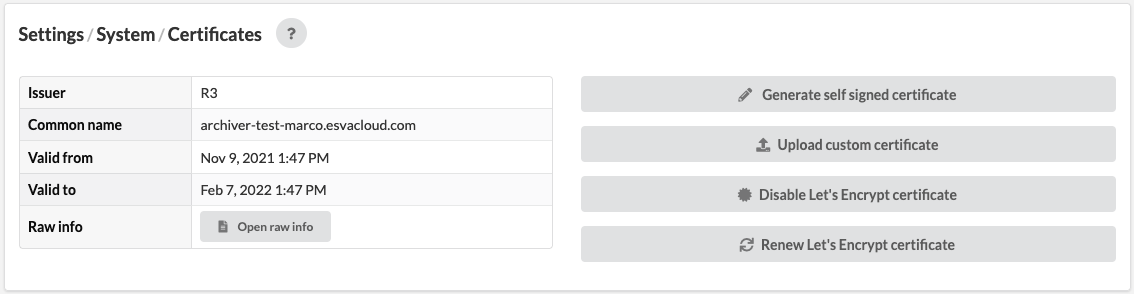
Libraesva Email Archiver allows you to manage the certificate for the appliance.
From this page you can generate a self signed certificate, upload a custom certificate and enable, disable or renew a Let's Encrypt certificate.
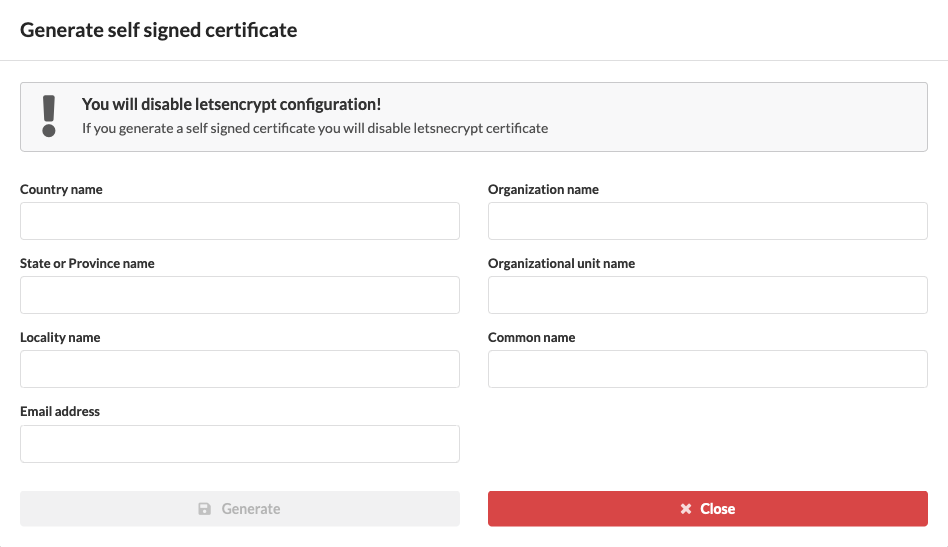 [fruitful_alert type="alert-warning"]WARNING: with a self-signed certificate you will not be able to use the Outlook Plugin and the mobile apps.[/fruitful_alert]
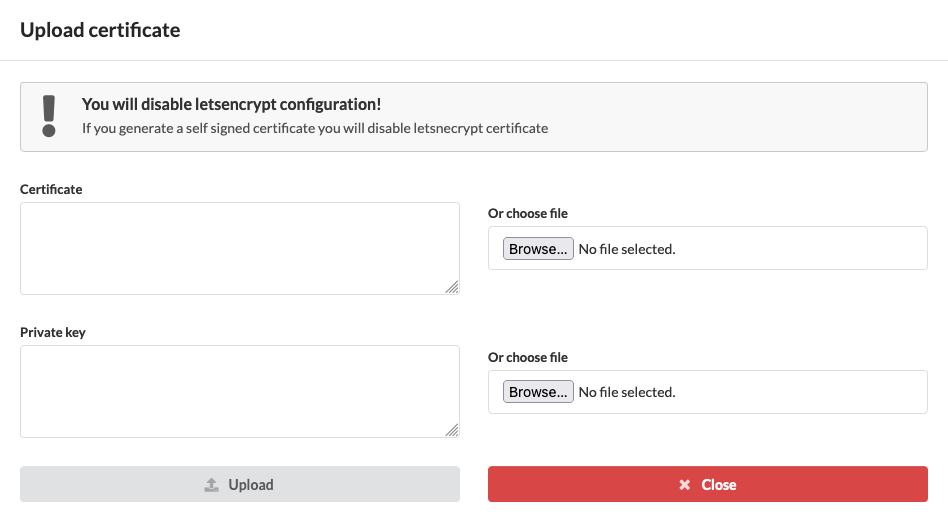 [fruitful_alert type="alert-info"]NOTE: if you upload a self signed certificate or a not valid one you must accept the new certificate from your browser. You can accept the new certificate just by refreshing the page.[/fruitful_alert]
[fruitful_alert type="alert-warning"]WARNING: if you upload your certificate make sure that certificate file includes the intermediate certificates and that the key file is not password protected.[/fruitful_alert]
[fruitful_alert type="alert-info"]NOTE: if you upload a self signed certificate or a not valid one you must accept the new certificate from your browser. You can accept the new certificate just by refreshing the page.[/fruitful_alert]
[fruitful_alert type="alert-warning"]WARNING: if you upload your certificate make sure that certificate file includes the intermediate certificates and that the key file is not password protected.[/fruitful_alert]
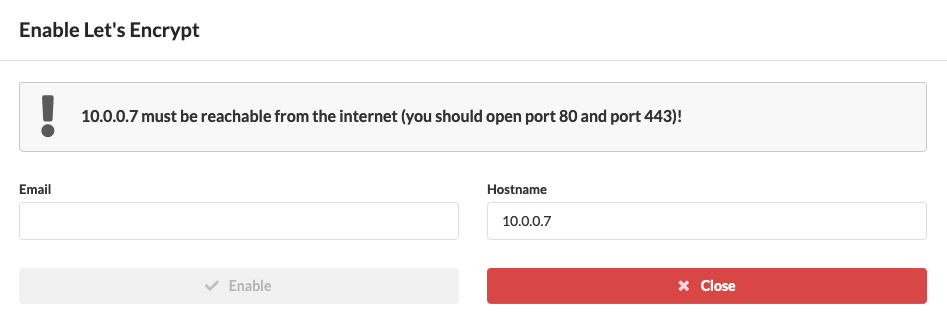 [fruitful_alert type="alert-info"]NOTE: Let's Encrypt will generate a certificate only if port 80 and port 443 are forwarded from your external IP to the Archiver VM and the Archiver hostname is public.[/fruitful_alert]
After, you can disable the Let's Encrypt certificate or renew it.
[fruitful_alert type="alert-info"]NOTE: Let's Encrypt will generate a certificate only if port 80 and port 443 are forwarded from your external IP to the Archiver VM and the Archiver hostname is public.[/fruitful_alert]
After, you can disable the Let's Encrypt certificate or renew it.